How to Verify a UP-RERA Project in Mathura Before Buying
29 September 2026 2 min read
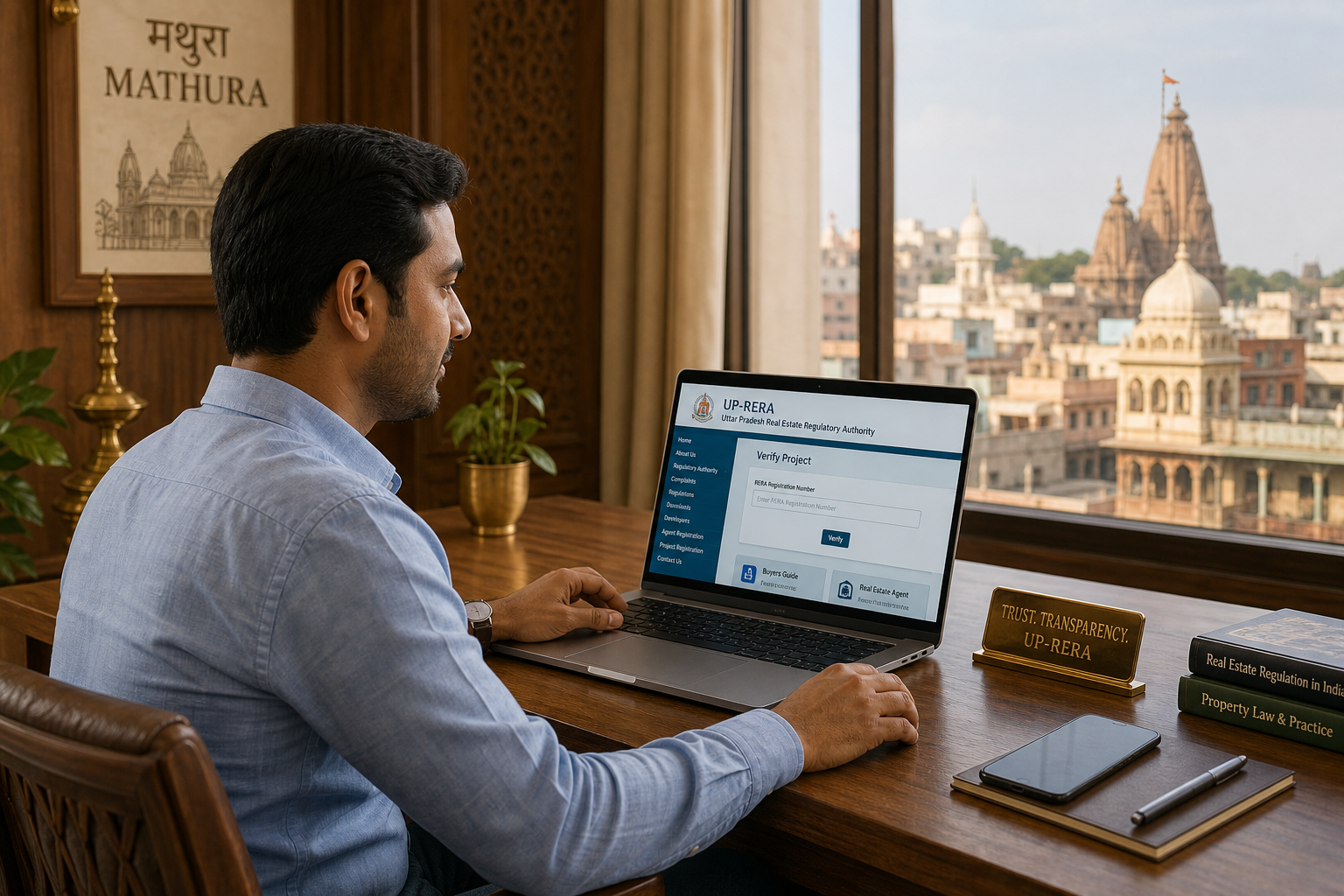
Before you pay a booking amount in Mathura, a UP‑RERA check is the single most important first step to reduce risk. The UP‑RERA portal (rera.up.gov.in) shows whether a promoter has registered a project and what disclosures are published — but registration alone is not proof of clean title or local approvals. Use a verification‑first approach: confirm RERA details, then complete immediate document and municipal checks before proceeding.
Under the Real Estate (Regulation & Development) Act, promoters must register projects and upload defined disclosures on the state RERA portal. For Mathura buyers, a RERA project entry typically shows the registration number, promoter name, registration date, project status and any uploaded plans or OC/CC information. The exact fields can vary by listing, so always view the live project page.
How to check a project on rera.up.gov.in — step by step
- Open the UP‑RERA Project Search and search by project name, registration number or promoter name.
- Note the registration number, registration date and current status shown on the project entry.
- Check uploaded disclosures: sanctioned plan/layout, schedule of completion, promoter contact details and any OC/CC upload or status note.
- Compare names, plot/survey numbers and plan details with the seller’s documents (sale deed extracts, allotment letters).
- If anything is missing or unclear, request original documents and a written explanation before paying any amount.
Watch for these red flags on the UP‑RERA page:
- No registration number or an incomplete entry — registration is a basic requirement.
- Promoter name mismatch between RERA and the seller’s documents.
- No sanctioned plan/layout uploaded for a project claimed as complete.
- Status shows withdrawn, cancelled or expired — pause and get clarification.
- No OC/CC listed where the promoter claims the building is ready for occupation.
After confirming the RERA entry, complete these immediate document checks for Mathura purchases: obtain a copy of the registered sale deed, request an Encumbrance Certificate (EC) for the relevant period, verify sanctioned plans and approvals with the local municipal/development authority, check mutation/revenue entries on UP Bhulekh, and confirm sale‑deed registration and EC details with the Mathura sub‑registrar (IGRS).
Practical buying tips: always ask to see original documents and certified copies; cross‑check names, plot/survey numbers and boundaries; insist on receipts for property taxes and any NOCs claimed by the promoter; and keep written records of all communications. If you find inconsistencies, do not proceed until title, EC and approvals are verified.
Shri Giriraj Group of Properties offers process‑based advisory help for Mathura buyers: a guided UP‑RERA walkthrough (screen share/phone), a document‑readiness review against a checklist, and site‑visit scheduling. These services are advisory and do not substitute legal advice or guarantee outcomes.
For a guided verification or checklist request, visit https://girirajproperties.in. For official checks, use the UP‑RERA portal (https://rera.up.gov.in), UP Bhulekh (https://upbhulekh.gov.in) for revenue records, and the IGRS/registration portal (https://igrsup.gov.in) to confirm sale‑deed registration and obtain ECs.


